WaveMira’s Kids Drawing to Life turns one drawing into a clay-style still or a lifelike clay video. The video opens on the full drawing, then reveals the same character moving as a clay figure on a tabletop. The video is set to 5 seconds at 720p with no audio and costs 90 credits.
Adults can upload one drawing they have permission to use. Crop out names, signatures, faces and other personal information.
Image and video formats
For a still, choose 1K or 2K in square or 3:4 portrait. Video uses a fixed 5-second, 720p, silent 9:16 format. Check the outline and colors in the still. For video, check the full drawing at the start and the character’s features as it moves.
See how to prepare a drawing for video ↗
1K and 2K are the resolution tiers you request. Pixel dimensions can vary with the aspect ratio and the image returned. The result preview shows the actual width and height.
How to start
- Adults can upload one drawing they have permission to use. Crop out names, signatures, faces and other personal information.
- For a still, choose the resolution and aspect ratio. For video, confirm the 5-second portrait format and 90 credits.
- Submit the drawing once the effect is available and payment is confirmed.
- Follow the task in My creations, then review and download the finished image or video.

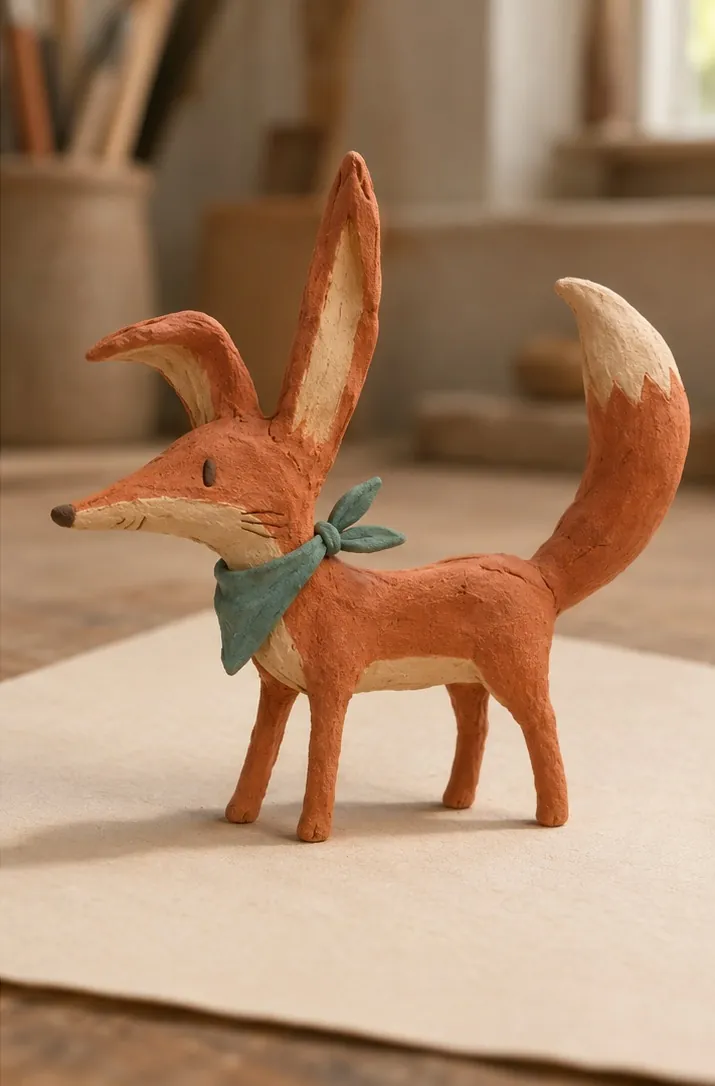
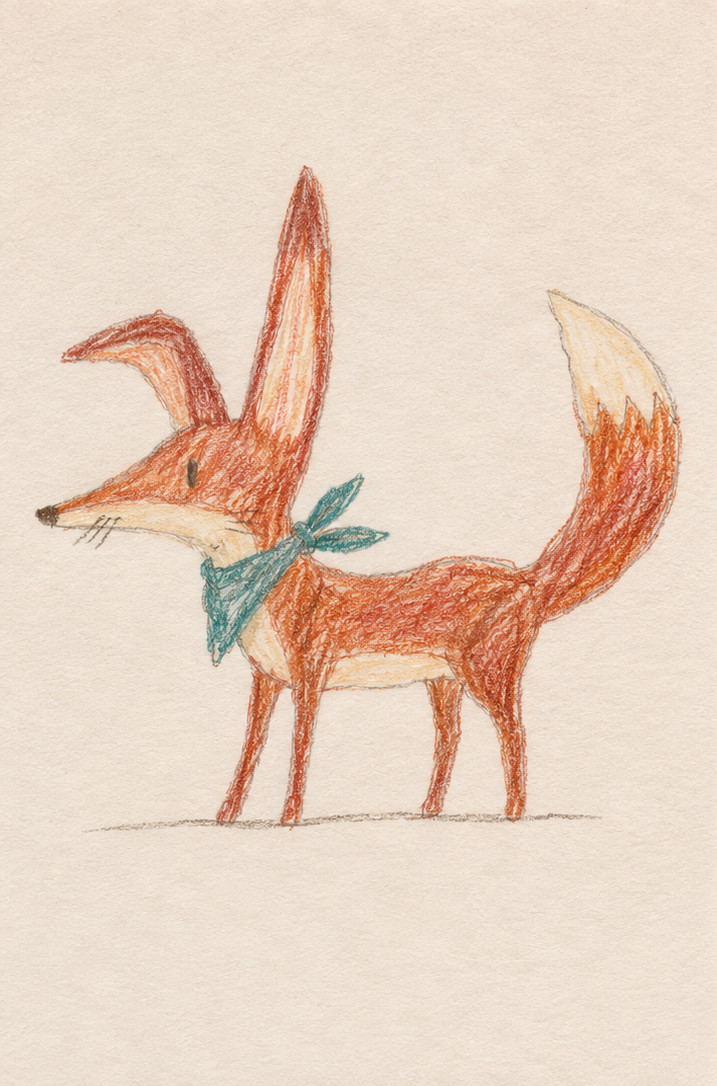 View the original drawing