
Recolor product photos and keep the label
Choose an opaque PNG, JPEG or WebP with a mostly solid background. Mark the label, choose a new background color and download a PNG after the tool verifies the selected pixels. Your photo stays in your browser.
Opening the workspace…
Before and after
Original demo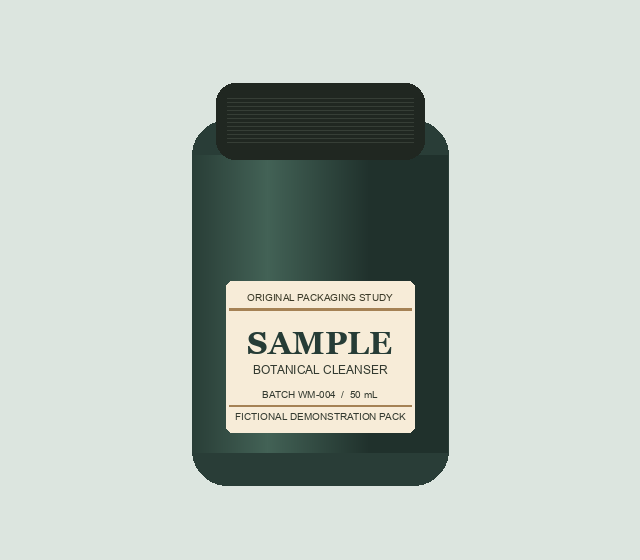 Original
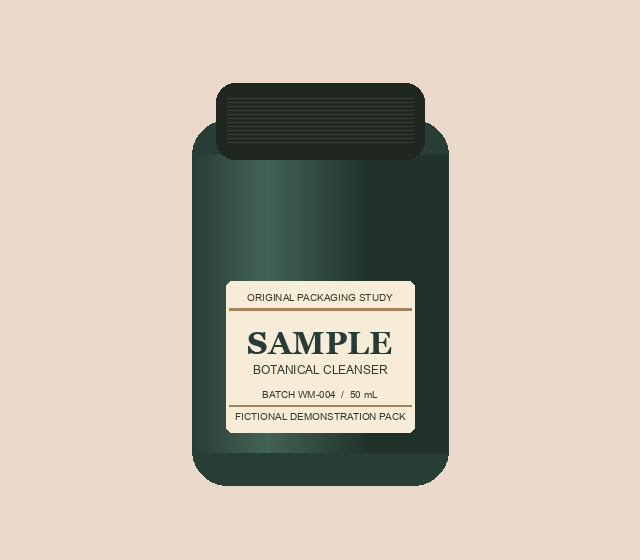 Recolored
How to recolor the background
- Open a product photo and pick a point on the old background.
- Mark opposite corners of the label, including the small print you want to keep.
- Choose a new color and select Preview and verify. Review the edges and shadows before downloading the verified PNG.
What gets verified
Photos can be up to 12 MB, 6 megapixels and 4,096 pixels per side. The tool replaces similar colors connected to the image border. Matching product areas outside the box can also change. The PNG keeps the original dimensions and the check compares decoded pixels inside the box. Free to use.
See more photo editing tips and examples