
Featured AI videoAI Dart Chase
Turn two photos of yourself into a cinematic darts trick shot. The camera follows a single dart from your fingertips to the bullseye.
Pick your next scene
All video effects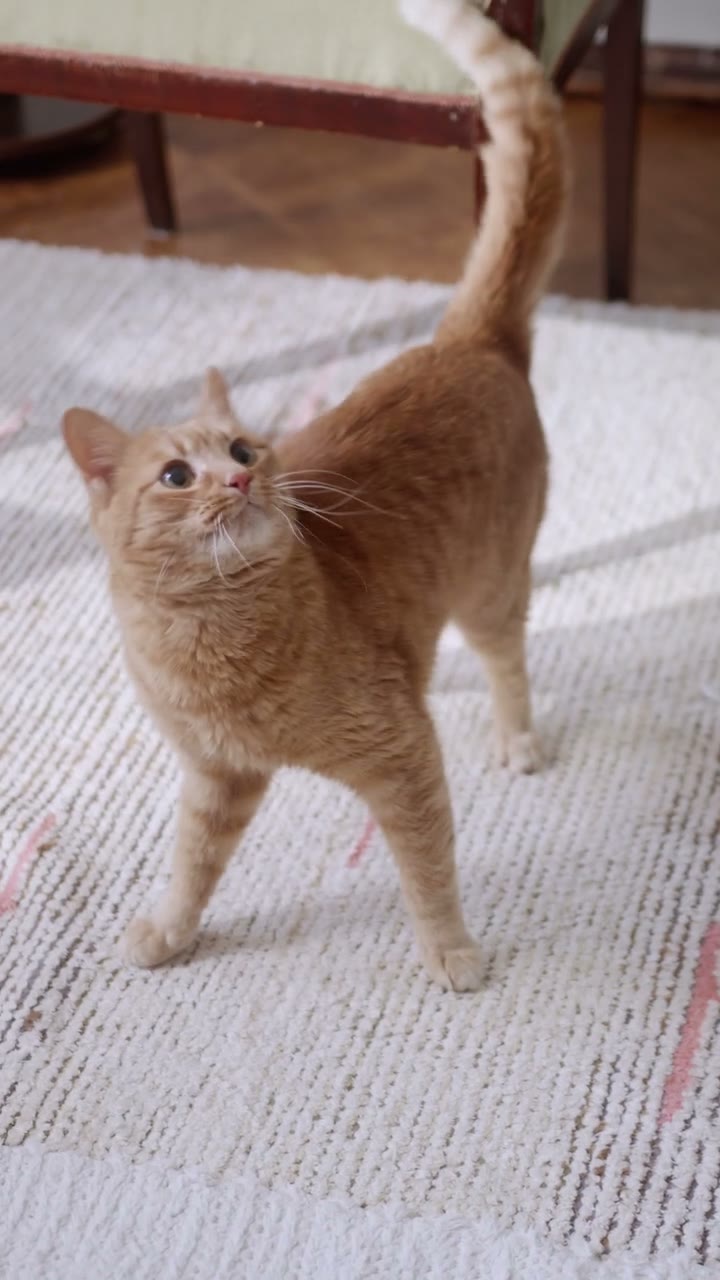 Live-action camera and editing preview
Cat From Every Angle AI
Turn one cat photo into a quick portrait montage. Jump from a low, floor-level view to an overhead shot, then finish on your cat’s face.
 Original photoreal action preview
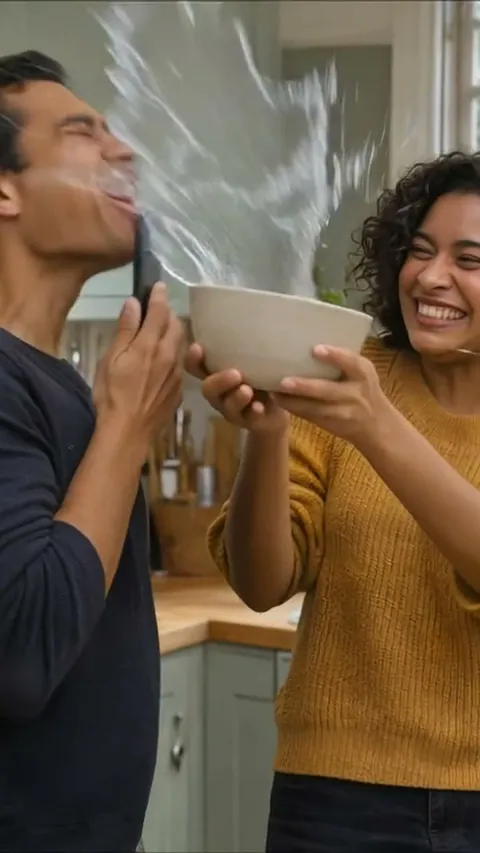
Kiss Your Phone AI
Turn two portraits into a playful kitchen video. One person kisses a phone, the other splashes them, then recognizes their own photo on the screen.
 Template preview · original 2D animation
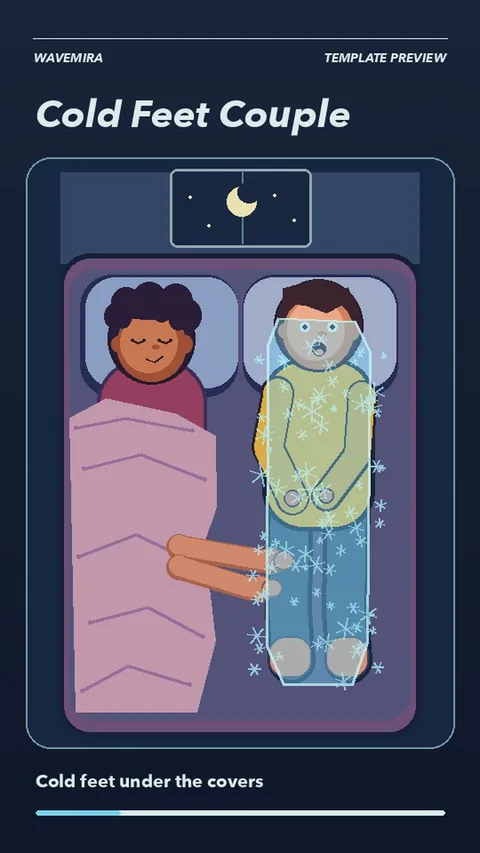
Cold Feet Couple AI
Turn two portraits into a 3D animated bedroom comedy. One icy touch freezes your partner, and even a hair dryer and a winter coat can’t keep the frost away.
 Template Preview · live-action composite
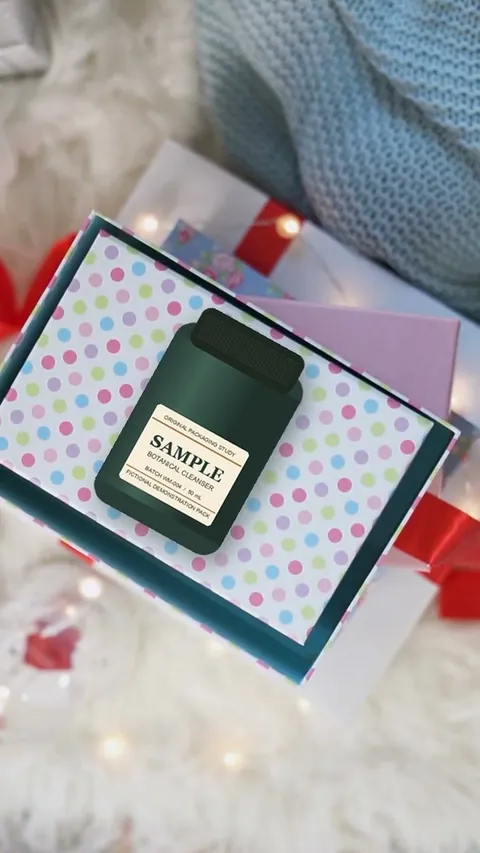
Christmas Product Unboxing
Turn one product photo into a Christmas unboxing video. Hands loosen the ribbon, lift the lid and give your product a close-up inside the gift box.
See what one photo can become
All image effects3D Month Letters AI Photo
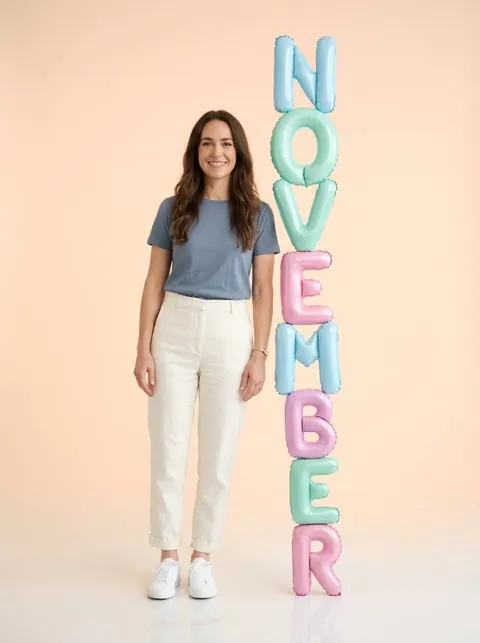
A full-length portrait, restaged beside pastel balloon letters that spell NOVEMBER.
Try it with my photo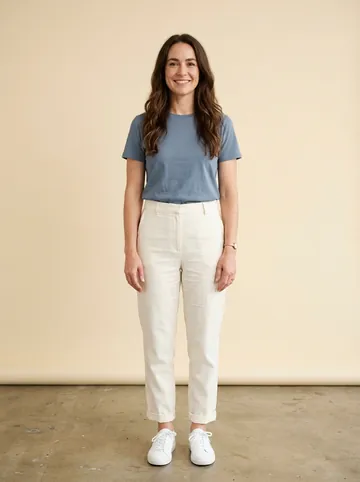 Original
Try another photo effect
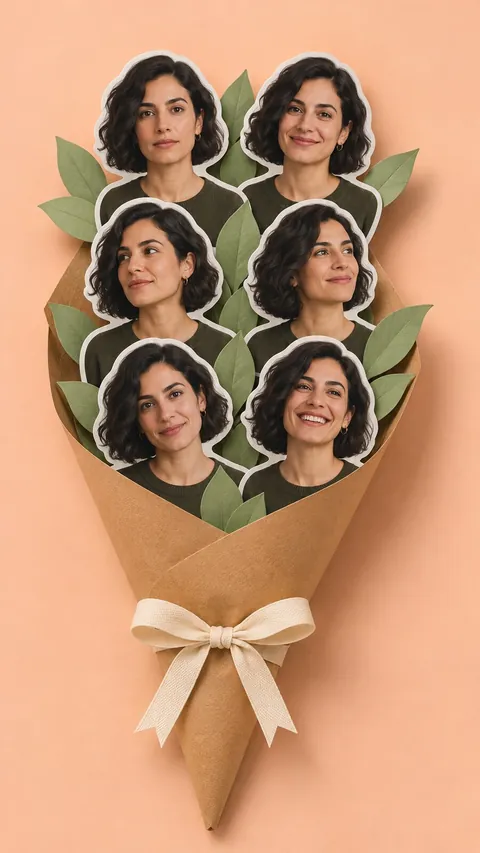
 AI oil painting composition reference
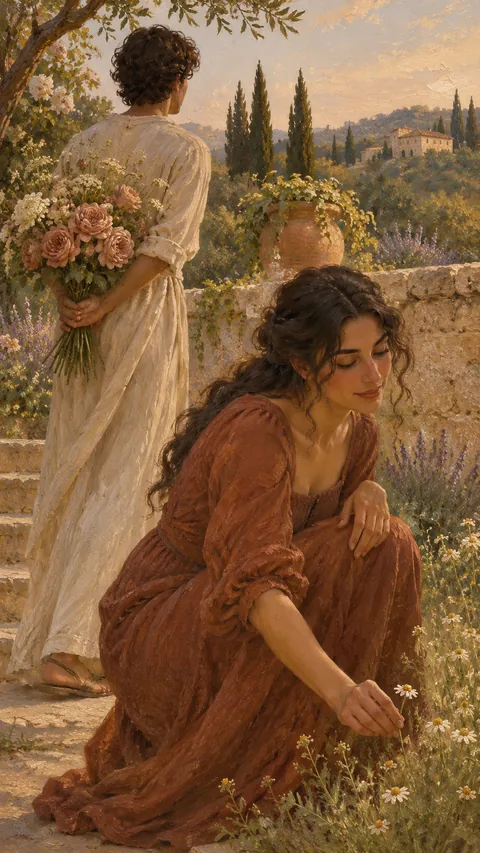
Hidden Bouquet Oil Portrait
Turn one adult portrait into a warm 9:16 oil painting. You reach for one small flower in a garden while a white-robed figure keeps a whole bouquet hidden behind their back.
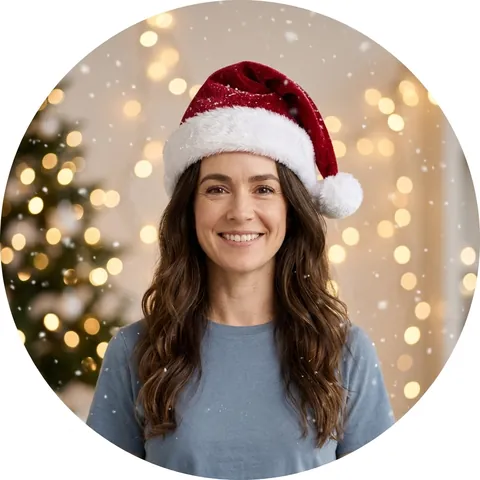
 AI-generated scene reference
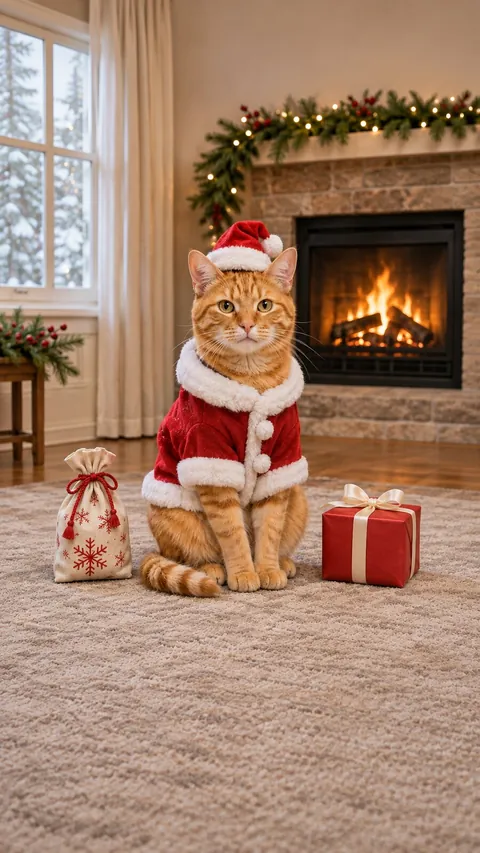
Pet as Santa
Dress your cat or dog as Santa. Choose a Christmas portrait or a playful fireplace-and-cookies video.
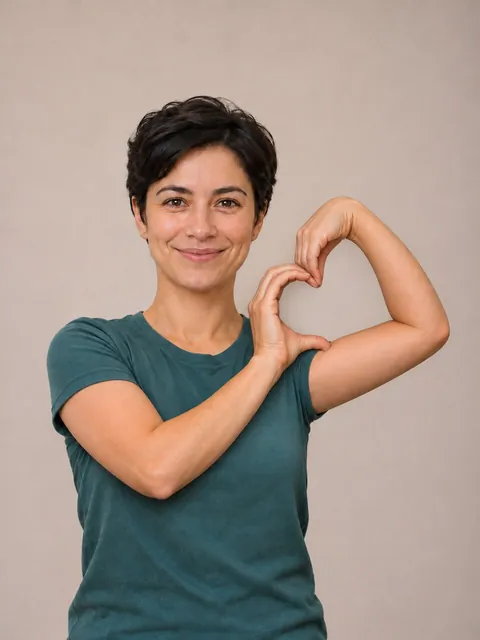 AI-generated pose reference
Bicep Heart
A small flex, a heart-shaped hand and a familiar smile. Make a still portrait or animate the gesture.
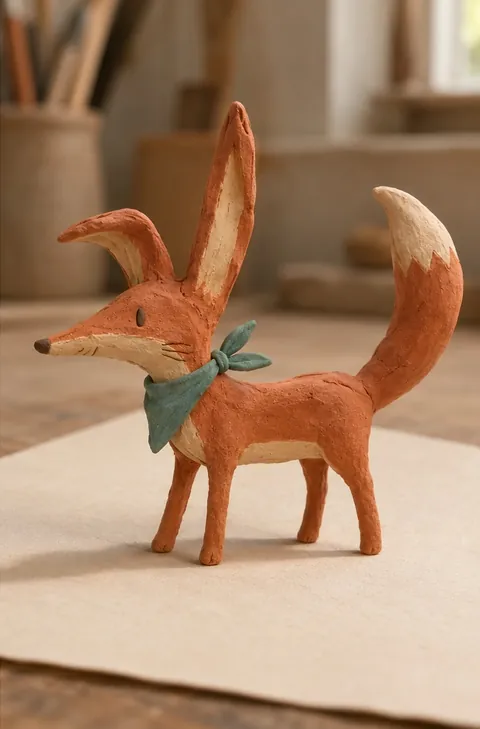 AI still reference for clay texture
Kids Drawing to Life
Turn one original drawing into a still image of a clay character. Keep the shape, colors and playful details of the sketch.
The next scene starts with a photo
Find a scene worth trying
Find a clip you’d like to step into, or a photo look you’d like to try.
Bring your subject into the scene
Choose photos that fit the effect. Give your pet shopkeeper a line or two. Check the format and credits before you start.
Keep the moment you made
Go do something else while it’s processing. Preview and download the result from My creations when it’s ready.
Which photo should you use?
All guides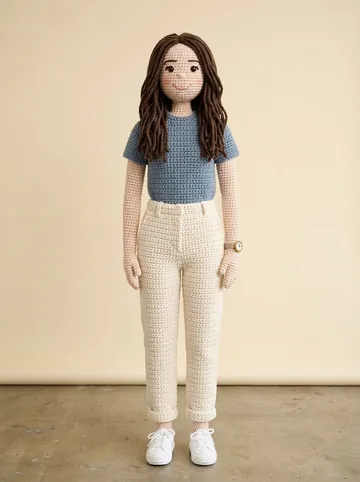
How to choose photos for AI image effects
- For a color change, keep the hairline and ends in frame.
- For subject crochet, pick a photo with a clear outline.
- Zoom in on the result to check hair, faces, and edges.
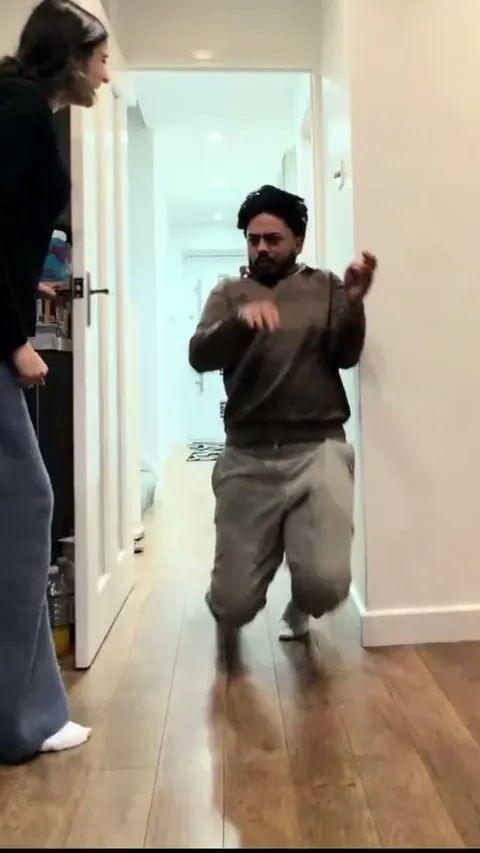
How to cast and choose photos for AI videos
- For walking or turning, use a half- or full-body photo.
- Match photos to the roles in two-person and pet scenes.
- Watch the action in the sample and check the runtime and credits.
A few things before you create
Contact WaveMiraCan I use the same photo for different effects?
Yes, if it meets the effect’s requirements. Closing Door Prank AI and They Say I’m 2 Much AI each use one photo of a consenting adult. Check the photo guide for effects that use two people or a pet.
See the video photo guideDo credits require a subscription?
Credit packs are a one-time purchase. Each effect shows its cost before you start. If you need more credits, payment is confirmed before your photos are uploaded and generated.
See credit packs and pricesCan I close the page while it’s generating?
Once your job is accepted, you can leave the page. Return to My creations to check progress, preview the result, or download it.
Open My creationsWill my photos or results be public?
Your photos and creations stay private. You can download an image or MP4 from My creations. Review the result and check that you have permission to share the material before posting it.
Read the privacy policy