Turn product photos into a video
Make a vertical product video you can share on WhatsApp. Arrange your actual photos, then use a gentle push-in to show the packaging and details.
Arrange your angles
3–6 photos · Processed on this device
JPG · PNG · WebP
How to make a product showcase
- Choose 3 to 6 JPG, PNG or WebP photos of the same item.
- Set the order. Open with the front and finish with a close-up of the label.
- Preview and download a 10-second silent MP4 in your browser.
Frame and file requirements
Exports at 720 × 1280 and 24 fps. The white canvas shows through transparent areas and margins. Existing photo backgrounds stay visible. The whole photo stays in frame, with the angles and labels you supply. Each image can be up to 8 MB or 24 megapixels.
Prepare white-background product photosSee a four-angle example
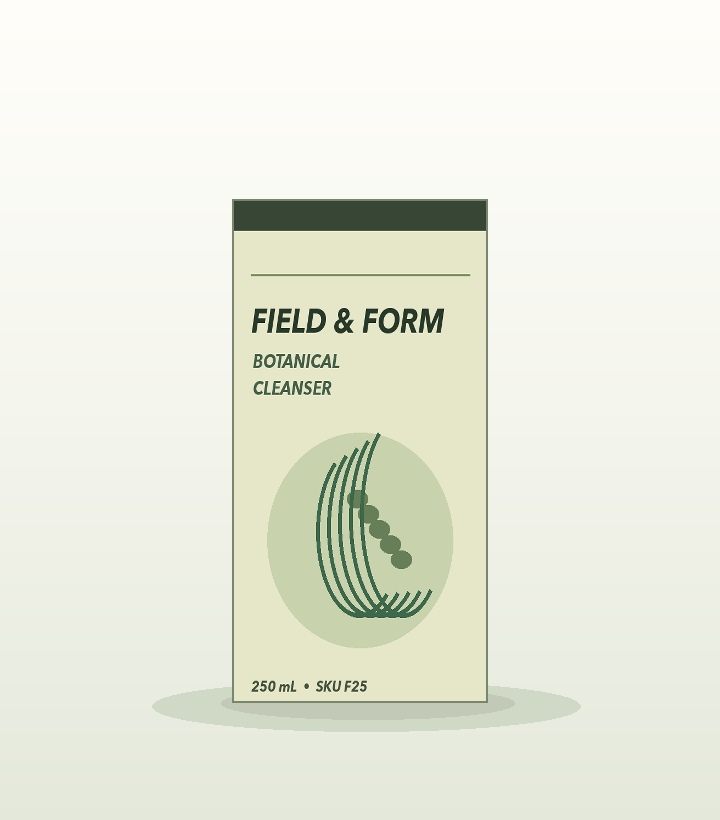
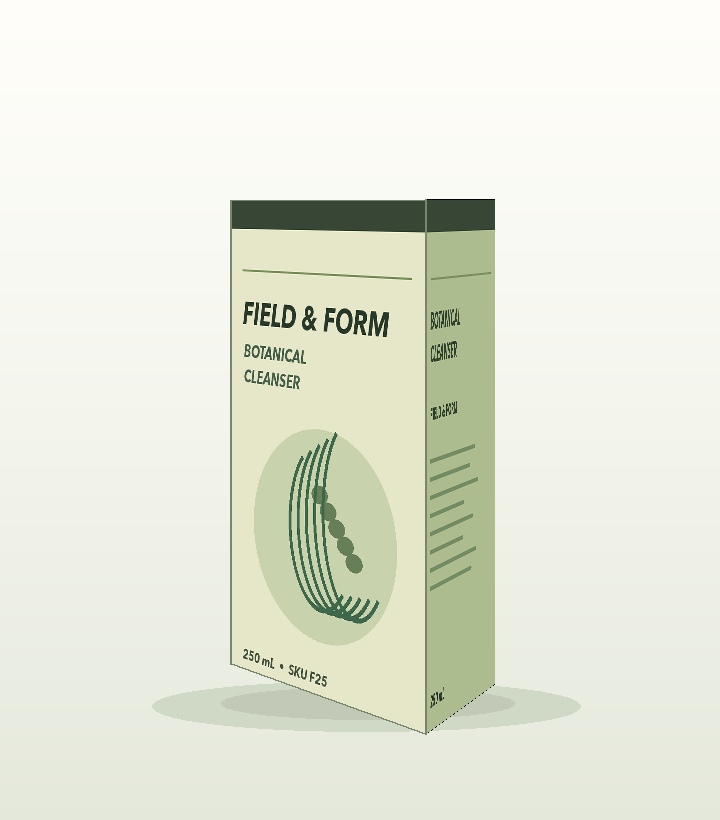
Made from the front, left, right and label detail of one fictional product.